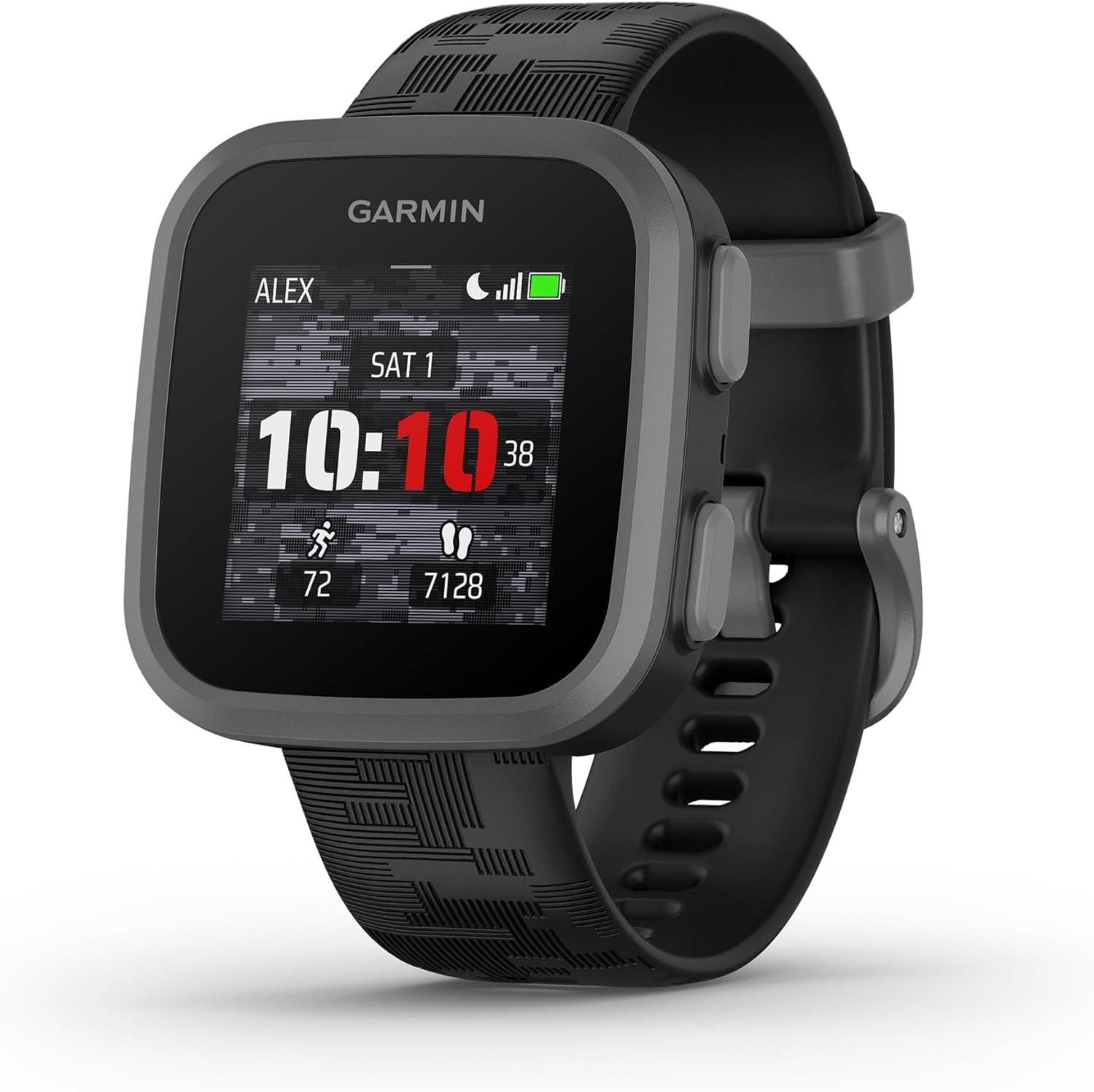
Garmin Bounce Kids Smartwatch Two-Way Text & Voice GPS
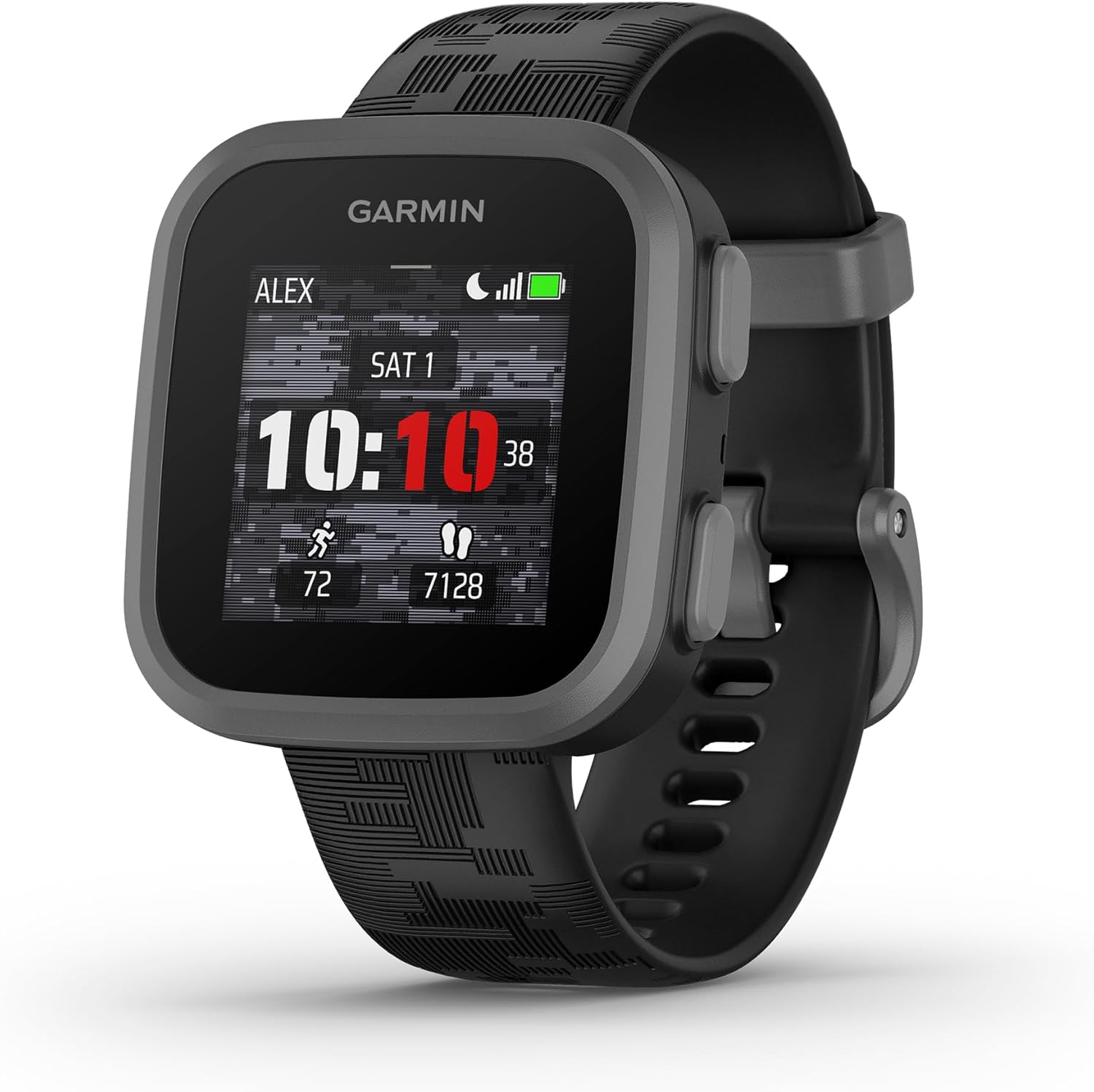
The Garmin Bounce kids smartwatch provides simplified two-way messaging, voice notes and location tracking to keep younger children connected without a full smartphone. It’s built for everyday kid use with parental controls and a rugged design, but some features depend on cellular service or a subscription. Overall it’s a practical option for families who want basic contact and visibility rather than a full-featured wearable.
Overview
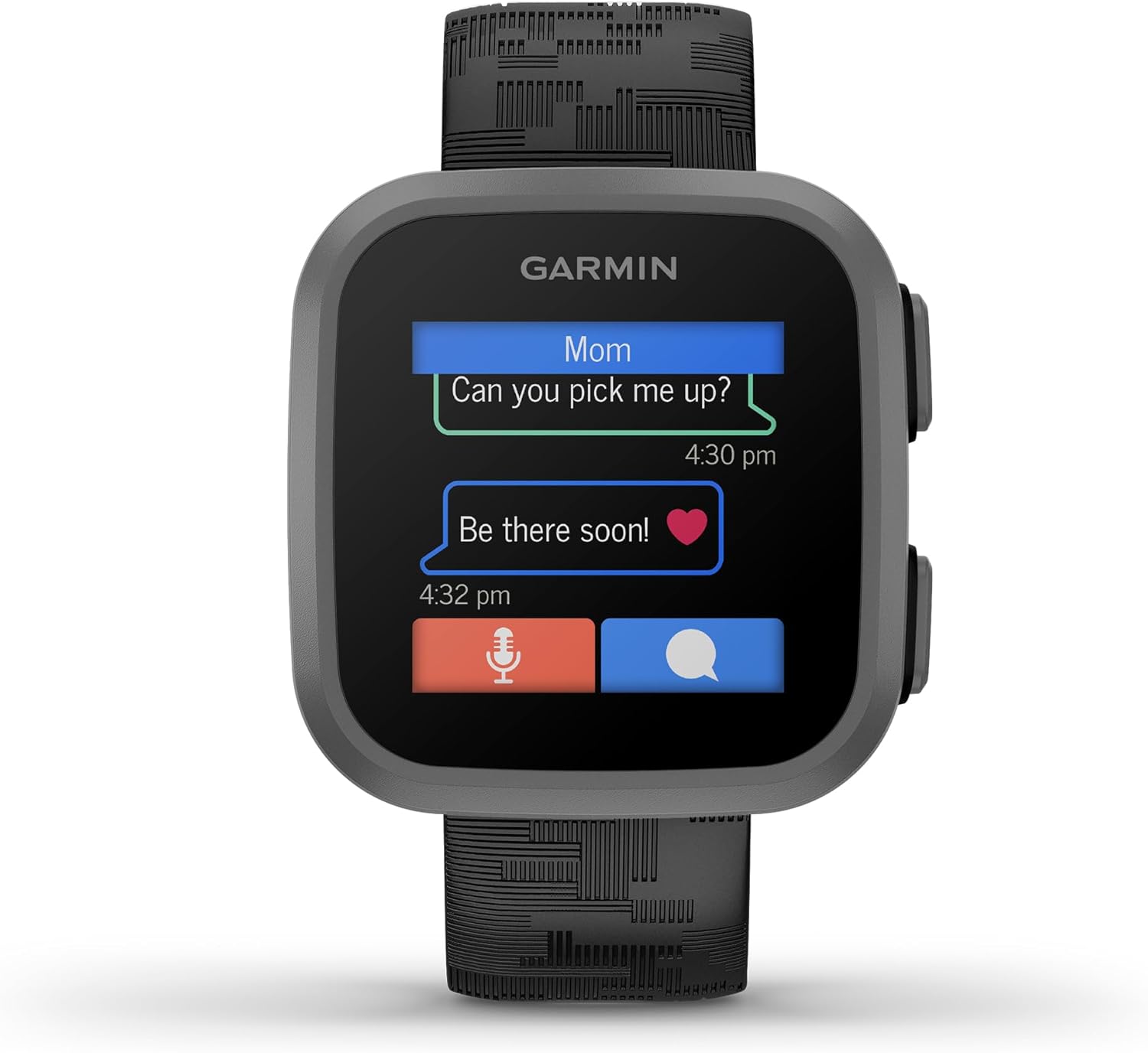
The Garmin Bounce™ Kids Smartwatch is a wrist-worn option aimed at younger users and their caregivers, offering short messaging, voice notes and location sharing so families can stay in contact without a full smartphone. Management and settings are handled through a companion app and parental interface, and the watch emphasizes lightweight communication and visibility for school, playdates, and short outings. If you’re comparing kid-focused wearables, parents sometimes weigh this against models like the Garmin Venu SQ 2 for broader family tech needs, but Bounce is focused more narrowly on safety and simple contact.
Key Features
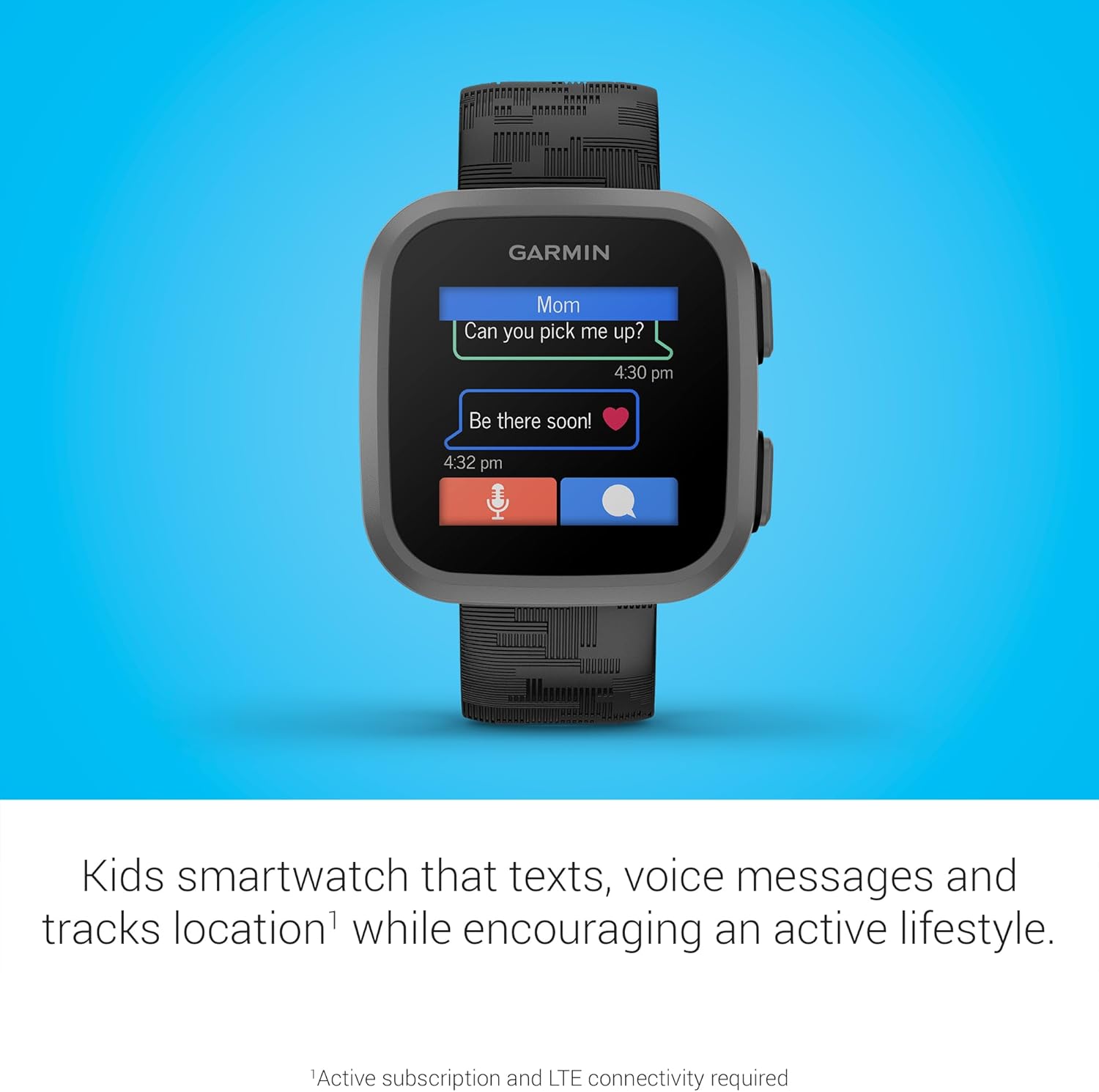
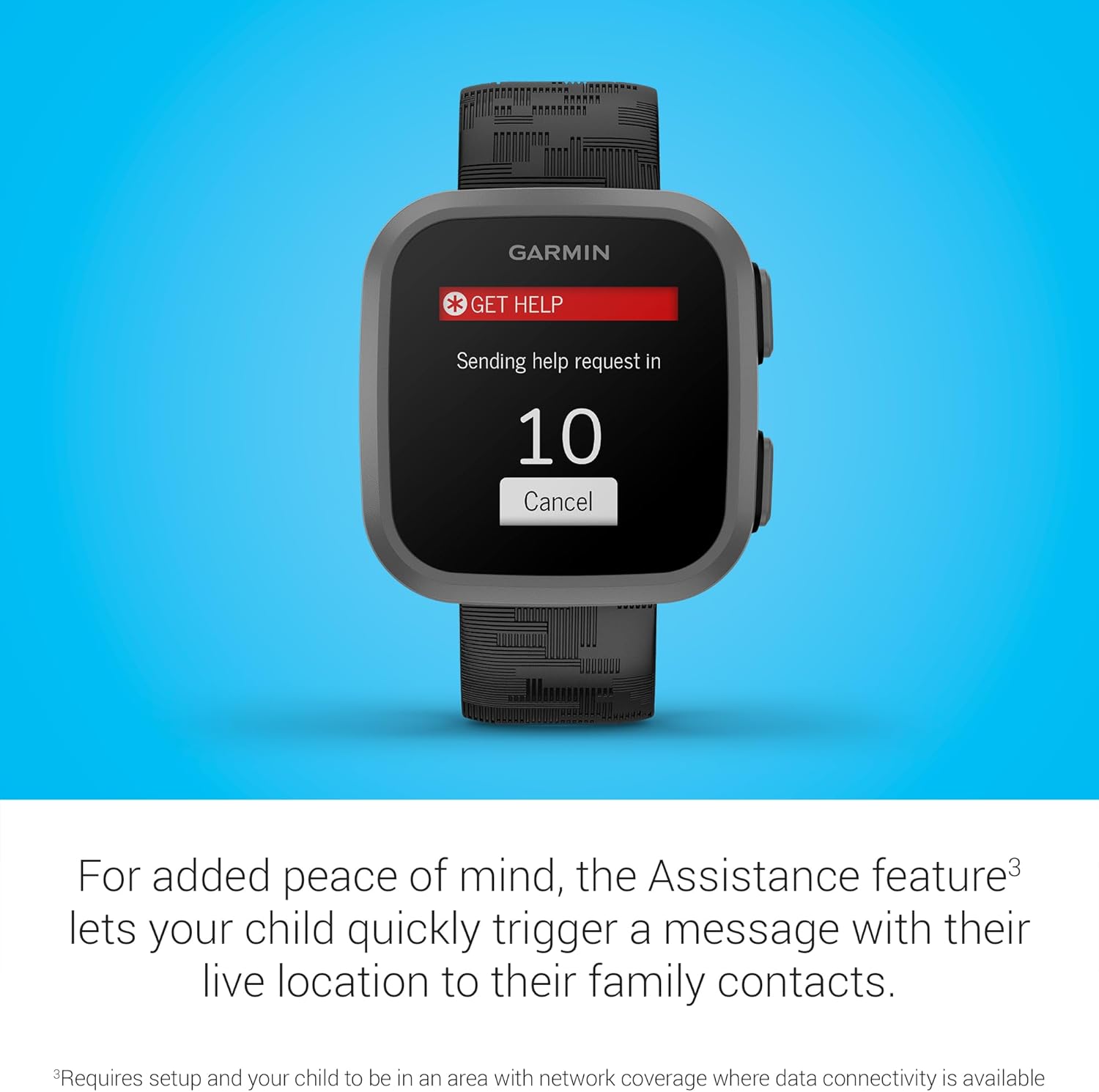
Two-way voice and messaging let children send short texts or voice notes to approved contacts while caregivers can check in quickly. Location tools include live positioning and safe‑zone alerts, with some versions offering location history; advanced tracking and map features may require cellular service or a subscription. The watch is built to withstand everyday kid use and includes parental controls, scheduled quiet times and an emergency alert—features similar in intent to rugged family-oriented models like the Garmin Instinct 45mm, though Bounce is tailored to younger users.
Real-World Performance
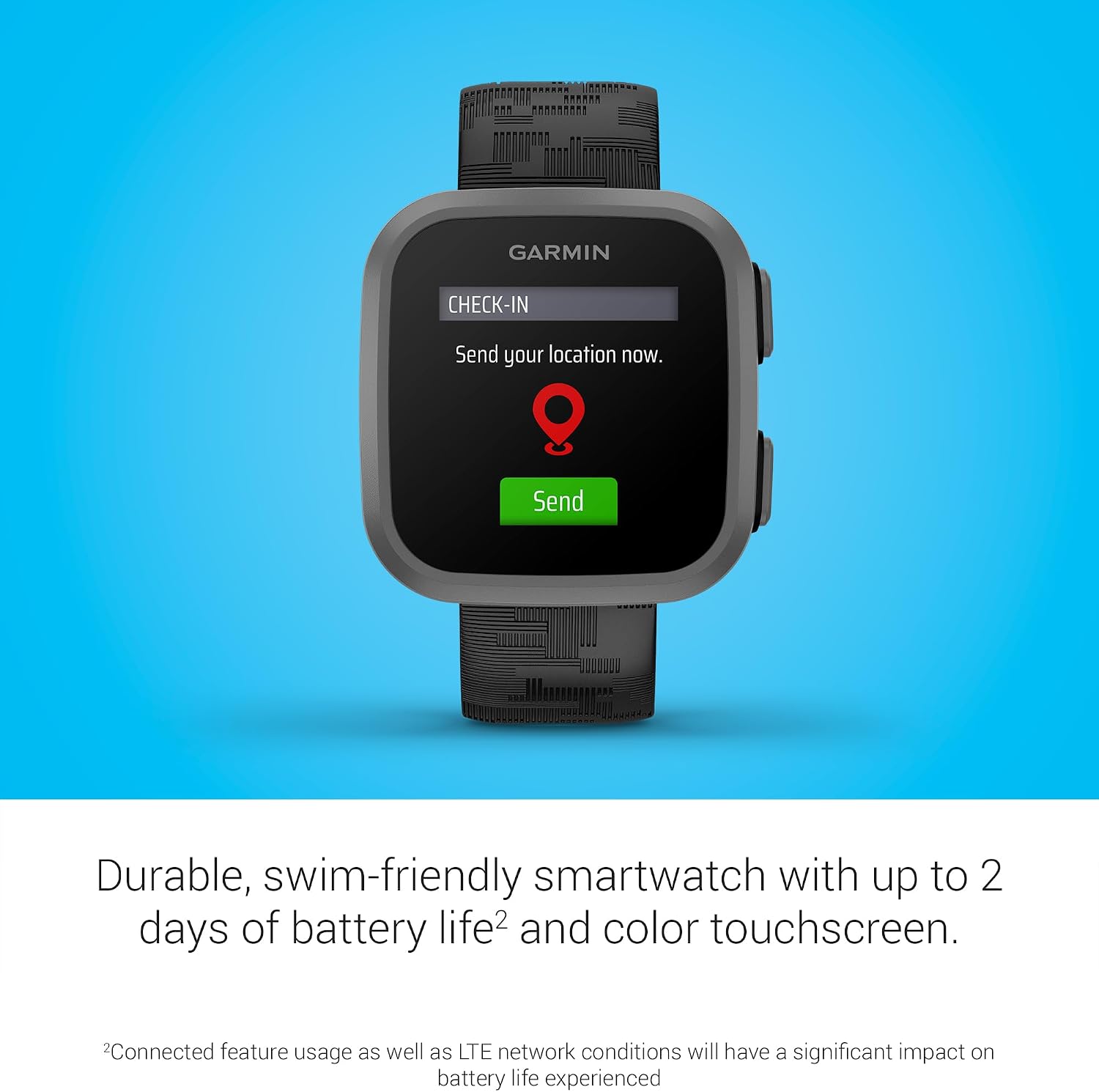
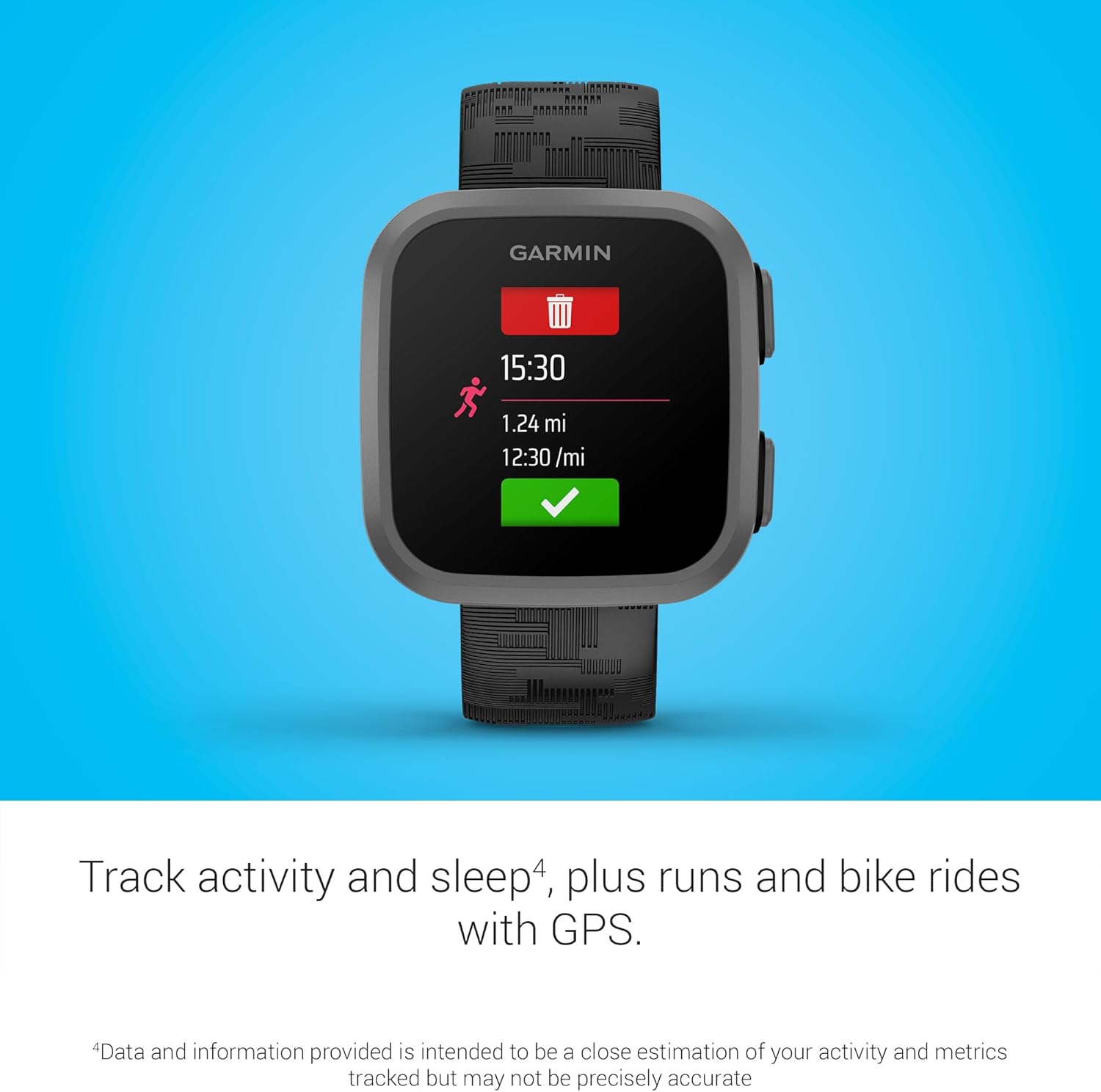
In everyday use the watch handles basic communication and location checks reliably when GPS and cellular connections are solid. Short text messages and voice notes usually deliver quickly, but update frequency and delivery depend on signal strength and the service plan; expect slower updates in buildings, underground or rural areas. For families focused on accurate activity and location reporting alongside reliable battery life, devices like the Forerunner 570 show how tracking and power trade-offs play out in different Garmin products, but Bounce is optimized for short check‑ins rather than long fitness tracking sessions.
Voice quality is generally fine for quick check‑ins in open or well-covered areas, although clarity and responsiveness drop with weak reception. Notifications from the paired app are timely most of the time, but you may see occasional delays when moving between coverage zones—these are network limitations more than device faults. Battery life varies with usage: heavy live tracking and frequent voice messages will reduce time between charges, while light daily use lasts longer.
Ease of Use and Maintenance
Setup is typically straightforward: create a parent account in the companion app, follow the pairing prompts and configure approved contacts and location settings. Activating cellular features or a service plan can require an extra carrier step depending on the model, so follow the app prompts during activation. Everyday cleaning is simple—wipe the case and screen with a soft, damp cloth and avoid abrasive cleaners; removable bands can be cleaned separately, and water‑resistance varies by version so check the rating before washing.
Keep firmware and the companion app updated to maintain reliability and security, and expect the battery to decline in capacity over years of use. Straps, chargers and protective covers are usually replaceable; for repairs and warranty service use the official support channel listed with the device.
Pros and Trade-Offs
The Bounce watch shines at simple two‑way communication and location reporting—core needs for many parents of younger children. Its kid‑friendly interface, robust construction and parental controls make it easy to manage contacts and permissions, and it’s built for day-to-day wear. On the flip side, many of the more useful features rely on cellular connectivity or a paid plan, which adds ongoing costs.
Input is limited by a small screen and simplified controls, so longer messages or complex interactions are cumbersome. The app ecosystem is intentionally lightweight compared with adult smartwatches, so if you need advanced apps, social media or a phone replacement you should compare the feature list and service requirements carefully before buying.
Who This Product Is For
This is a good pick for parents wanting a safety‑first wearable that provides quick contact and location visibility without a full smartphone. It’s aimed at caregivers of elementary‑school children who need an easy way to check in, set boundaries and send short voice or text messages, and it works well for active families who want a rugged, easy‑to‑manage kid device during sports, playdates or travel. If you’re considering other Garmin family options or need more advanced multisport or fitness features, see related models like the Garmin Instinct 3 or the Garmin Fenix 7X for different priorities.
As an Amazon Associate, I earn commission on qualified purchases.
![Apple Watch SE (2nd Gen) [GPS 40mm] Smartwatch with Midnight Aluminum Case with Midnight Sport Band S/M. Fitness and Sleep Trackers, Crash Detection, Heart Rate Monitor, Retina Display](https://happywatchesnow.com/wp-content/uploads/2025/03/file.jpeg-2025-03-25T135803.283Z-768x899.jpg "Apple Watch SE (2nd Gen) [GPS 40mm] Review: Midnight Aluminum Case, Sport Band, Fitness & Sleep Tracking, Crash Detection, Heart Rate Monitor 8")